
Rio Texas Annual Conference 2026 App
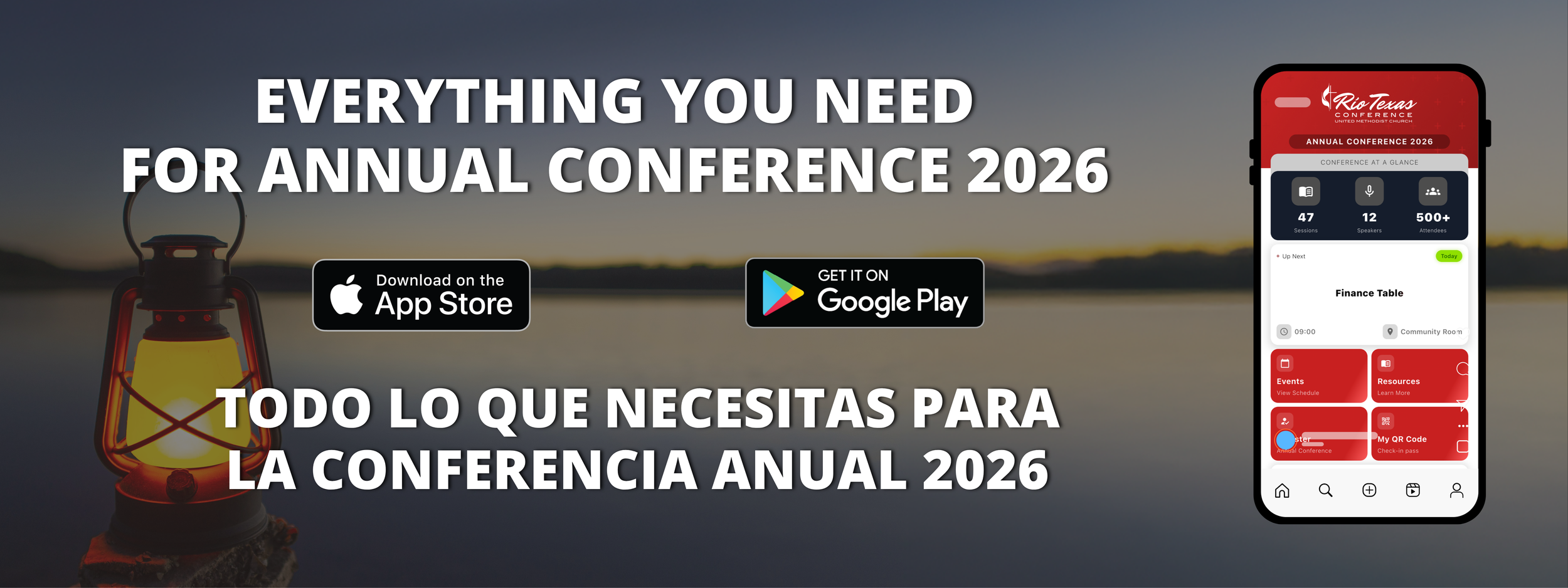
Download the official Rio Texas Annual Conference app
Access schedules, updates, bulletins, and giving information all in one place.
Turn on notifications
Stay up to date throughout Annual Conference.
Have questions about Annual Conference?
Visit our Frequently Asked Questions page where you can find lots of extra detials, quick links, and more!
App Troubleshooting
I downloaded the app, but I can’t see or reach the registration button. What should I do?
If the registration button is not visible or you cannot scroll far enough to reach it, check your phone’s display or font size settings. In several reported cases, the phone’s font size was set very large, which pushed part of the app screen out of view. After decreasing the font size, the full screen became visible again.
You can also try closing and reopening the app, restarting your phone, or deleting and reinstalling the app.
I’m using an iPhone and the app is asking for a password. Which password do I use?
If you are downloading the app from the App Store, your phone may ask for your Apple ID password, Face ID, or Touch ID. This is your Apple/App Store password, not your email password.
The app opens, but I still can’t register. Is there another option?
If you are unable to access registration through the app after trying the steps above, use the direct registration link: https://rio-texas-conference.web.app/?mode=register
Who should I contact if I still need help?
If you continue having trouble, please email communications@riotx.org.